.svg)
The E2E Testing Choice That Shapes Your Web App: Cypress or Playwright?
A modern web application can look perfect in development and still fail at the moment a real customer tries to use it. A login redirect can break after deployment, a checkout button can stop responding, a payment flow can behave differently in another browser, or a responsive layout can fail on a specific device.
This is where end-to-end (E2E) testing becomes critical. Instead of checking individual functions in isolation, E2E tests reproduce important user journeys through the application.
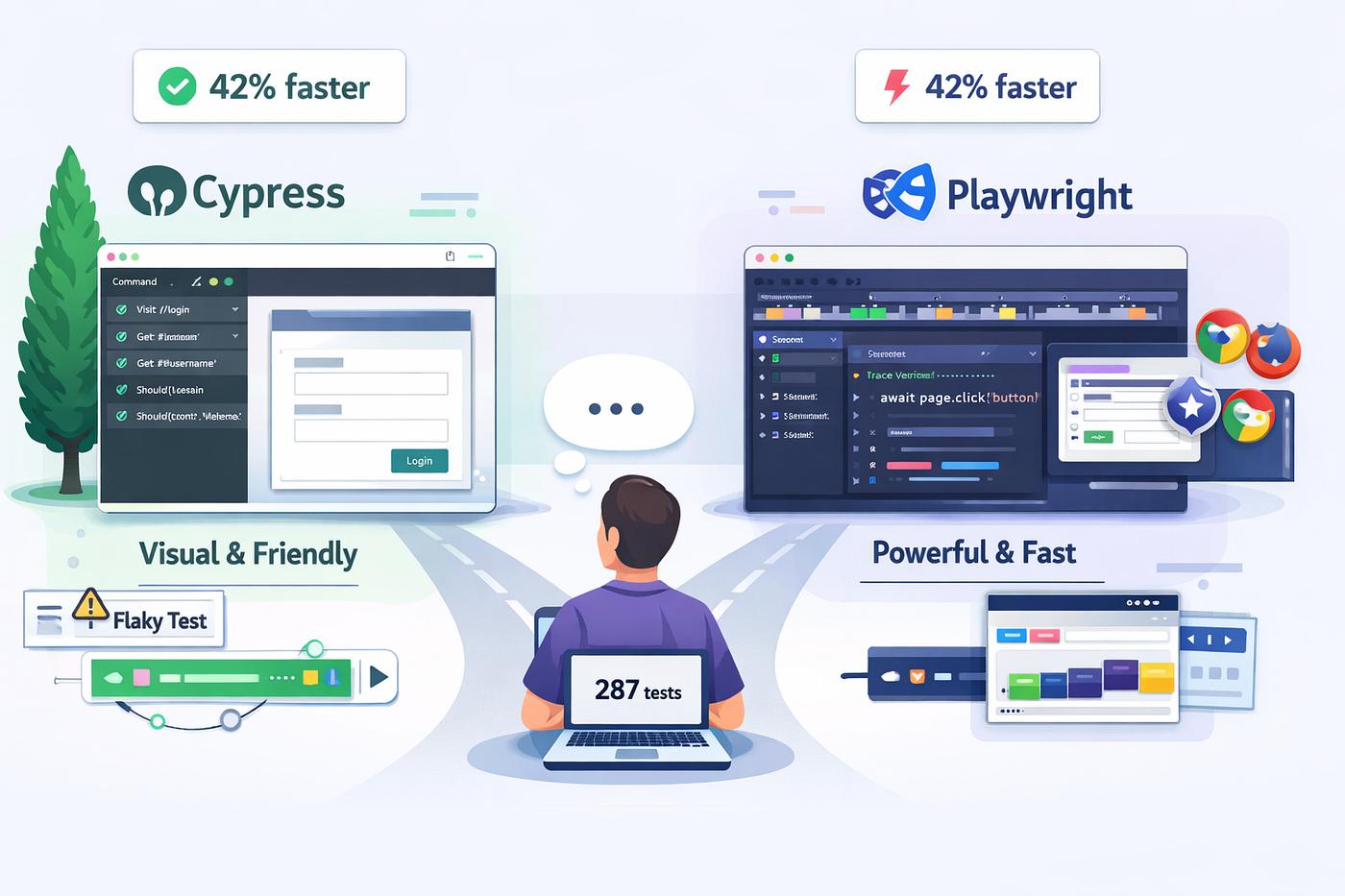
Two of the most widely considered tools for modern browser testing are Cypress and Playwright. Both can automate real browsers and support modern development workflows, but they take noticeably different approaches to test execution, browser control, debugging, and scaling.
For teams building React, Next.js, TypeScript, SaaS platforms, dashboards, customer portals, and other business applications, the decision should not simply be based on which tool is more popular. The better question is:
Which testing architecture fits the application your team is actually building?
Cypress and Playwright: Same Goal, Different Approach
Cypress is designed around an integrated browser-based development and testing experience. Its documentation emphasizes end-to-end testing, component testing, API testing, accessibility testing, automatic waiting, network control, and interactive debugging.
Playwright takes a broader browser-automation approach. Its test runner supports Chromium, Firefox, and WebKit, with built-in capabilities such as auto-waiting, tracing, assertions, parallel execution, and device emulation.
Both tools can provide strong E2E coverage. The important differences appear when a project becomes more complex.
Quick Comparison
| Area | Cypress | Playwright |
|---|---|---|
| Primary strength | Developer-friendly browser testing and debugging | Broad browser automation and scalable E2E testing |
| Browser engines | Chrome-family, Firefox, experimental WebKit | Chromium, Firefox, WebKit |
| Auto-waiting | Yes | Yes |
| Component testing | Strong built-in experience | Primarily focused on browser automation and E2E workflows |
| Parallel execution | Available through Cypress Cloud and CI workflows | Built into Playwright Test through worker processes |
| Debugging experience | Excellent interactive runner and time-travel debugging | Strong traces, UI mode, screenshots and video capabilities |
| Mobile browser emulation | Supported browser/device testing workflows | Extensive device emulation capabilities |
| Best fit | Teams prioritizing developer experience and frontend testing | Teams needing broad browser automation and scalable E2E coverage |
1. The Architecture Difference Matters
One of the biggest differences between the two tools is how they interact with the browser.
Cypress operates closely with the application and browser environment. This gives Cypress deep access to application behavior and contributes to its distinctive interactive debugging experience.
Imagine a developer testing a checkout page. The payment button fails only after an API response is delayed. Cypress makes it possible to inspect the command history, application state, network activity, and browser behavior directly inside its testing workflow.
Playwright takes a different approach by controlling browsers through its automation architecture. This makes it particularly powerful when the test needs to control multiple browser contexts, pages, tabs, devices, or browser engines.
That distinction becomes increasingly useful in applications where a single test scenario involves multiple users or multiple browser sessions.
2. Browser Coverage Can Change the Decision
Browser compatibility is not just a QA checkbox for many production applications. A customer portal may need to work in Chromium-based browsers, Firefox, and Safari. A B2B application may also have customers using different corporate browser environments.
Playwright officially supports Chromium, Firefox, and WebKit and can also work with branded Chrome and Microsoft Edge channels. It also provides device emulation for tablet and mobile scenarios.
Cypress supports Chrome-family browsers and Firefox, with WebKit currently available experimentally.
If Safari-like WebKit behavior is a core part of your release strategy, Playwright can therefore be the more straightforward choice.
3. Auto-Waiting Reduces Fragile Tests
Modern interfaces are asynchronous. A button may render before it becomes enabled. A modal may appear after an API request. An animation may temporarily cover an element. A dashboard may populate data after several requests complete.
Hard-coded delays such as wait(3000) are a poor long-term solution because they make tests slower without guaranteeing that the application is actually ready.
Both Cypress and Playwright provide automatic waiting mechanisms.
Playwright performs actionability checks before actions such as clicks, including visibility, stability, whether the element receives events, and whether it is enabled.
Cypress similarly emphasizes automatic waiting and synchronization with application activity.
For a Code-Ox-style web application project, this means test design should focus on meaningful application states rather than arbitrary sleep intervals.
4. Debugging: Where Cypress Has a Distinct Advantage
A test framework is only valuable when developers can understand why a test failed.
Cypress has built a reputation around its interactive testing experience. Its command log, snapshots, browser-based runner, network inspection, and time-travel debugging make failures relatively easy to investigate.
Consider a customer-registration test:
- Open registration.
- Enter customer information.
- Submit the form.
- Verify the API response.
- Confirm the account dashboard appears.
If step four fails, Cypress provides a highly visual environment for inspecting what happened around that step.
Playwright approaches debugging differently. Its tracing capabilities can capture screenshots, actions, network activity, and other execution details, while its UI mode provides an interactive way to inspect tests.
Both are capable, but teams that prioritize a highly visual local debugging workflow may find Cypress particularly comfortable.
5. Playwright Becomes Particularly Interesting at Scale
Imagine a SaaS platform with:
- customer login
- role-based permissions
- subscription management
- billing
- admin workflows
- notifications
- file uploads
- report generation
The number of important user journeys can grow rapidly.
Running hundreds or thousands of E2E scenarios sequentially can make CI pipelines painfully slow. Playwright Test supports parallel execution through worker processes and allows teams to control worker counts and configure fully parallel execution.
This makes parallel execution an important part of the Playwright architecture when a test suite grows significantly.
Cypress can also scale test execution through its CI and Cypress Cloud capabilities, including parallelization and test orchestration. The important difference is that Cypress's broader scaling experience is closely connected to its Cypress Cloud platform.
6. Component Testing vs Full User Journeys
Not every bug requires a complete E2E test.
Suppose a product team creates a reusable pricing component containing:
- monthly and annual billing options
- discount calculations
- plan selection
- feature comparisons
- responsive states
Testing this component directly can be much faster than navigating through an entire application every time.
Cypress provides a strong component-testing workflow in which components are mounted and tested directly in a real browser.
Playwright is generally more attractive when the primary requirement is complete browser automation and user-journey testing.
A mature engineering team should not necessarily treat this as an either/or decision. Unit, component, API, and E2E tests can work together.
7. A Realistic Example: Testing an E-Commerce Checkout
Consider an e-commerce application with the following flow:
- Customer searches for a product.
- Product is added to the cart.
- Customer signs in.
- Shipping information is entered.
- Payment is initiated.
- Order is created.
- Confirmation page appears.
A useful E2E test should not simply verify that every button can be clicked. It should verify that the business journey actually works.
For example, the test could confirm that the cart total remains correct after authentication, that the payment request is associated with the correct order, and that the customer sees the expected confirmation state.
Cypress can make this kind of workflow highly readable and easy to debug.
Playwright can make the same workflow especially powerful when it needs to be repeated across multiple browser engines, devices, user contexts, or parallel CI workers.
8. Testing Authentication and Multiple User Roles
Enterprise applications often have more than one type of user.
A business platform might have an administrator, sales manager, salesperson, accountant, and customer. Each role sees different screens and has different permissions.
Testing these workflows requires more than checking whether a login form works.
You need to verify that:
- the correct dashboard appears
- restricted actions are unavailable
- authorized actions work
- sessions remain isolated
- logout behaves correctly
- permissions remain correct after navigation
Playwright's browser contexts are particularly useful for scenarios involving isolated sessions and multiple user states.
Cypress also provides session-management capabilities that can reduce repeated authentication work during test execution.
9. CI/CD Changes the Testing Equation
E2E testing should not exist only on a developer's laptop.
A reliable delivery pipeline might look like:
Pull Request → Build → Unit Tests → Integration Tests → E2E Tests → Deployment
Suppose a development team deploys a Next.js application several times each week. A regression introduced on Friday should ideally be detected before production deployment rather than discovered by a customer on Monday morning.
Cypress and Playwright can both operate in CI environments. Playwright runs tests headlessly by default and supports configurable parallel workers. Cypress provides CI-oriented execution and can integrate test results with Cypress Cloud for broader orchestration and reporting.
The important point is not which tool has the better CI checkbox. The real question is how the testing strategy fits the team's deployment pipeline.
10. What About Performance?
It is tempting to ask which framework is simply “faster.”
That question is too broad to be useful.
Test performance depends on factors such as:
- number of tests
- browser startup strategy
- parallel workers
- application architecture
- test data setup
- network dependencies
- authentication strategy
- CI machine resources
A poorly designed Playwright suite can be slow. A poorly designed Cypress suite can also be slow.
The bigger engineering win usually comes from reducing unnecessary browser work, isolating test data, parallelizing independent scenarios, and avoiding fragile test dependencies.
11. Which One Should Your Team Choose?
Choose Cypress when...
- Your frontend team values an extremely approachable testing workflow.
- Interactive debugging is a major priority.
- Component testing is an important part of your strategy.
- You want strong network stubbing and frontend-focused tooling.
- Your application primarily targets Chrome-family browsers and Firefox.
- Your team wants a highly integrated local test experience.
Choose Playwright when...
- You need Chromium, Firefox, and WebKit coverage.
- Cross-browser testing is a major release requirement.
- You need extensive browser and device automation.
- Your E2E suite is expected to grow significantly.
- Parallel execution is central to your CI strategy.
- You need complex multi-page or multi-context workflows.
12. The Better Question Is Not “Which Tool Wins?”
Cypress and Playwright are both capable testing platforms. The right choice depends on the application, team, browser requirements, CI architecture, and expected scale.
A small product team building a React application may benefit enormously from Cypress's developer-centric workflow. A larger SaaS platform that must validate complex workflows across Chromium, Firefox, and WebKit may find Playwright a more natural fit.
The testing framework should therefore be selected alongside the application's architecture rather than after the application has already been built.
How Code-Ox Approaches Web Application Quality
At Code-Ox, testing is most effective when it is considered as part of the application architecture rather than treated as a final QA activity.
When building custom web applications, the testing strategy should reflect the application's real business flows. A customer portal, for example, may require authentication testing, role-based access validation, API verification, responsive browser testing, and complete user journeys.
For a Next.js or TypeScript application, this can mean combining component-level checks with API tests and carefully selected E2E scenarios. The goal is not to automate every possible click. The goal is to automate the journeys where a failure would have a real business impact.
This approach also helps keep CI pipelines practical as the application grows. Critical flows can be executed on every pull request, while broader browser and regression suites can run as part of scheduled or release-oriented pipelines.
Final Verdict
Cypress stands out when developer experience, interactive debugging, frontend testing, and component testing are central to the team's priorities.
Playwright stands out when broad browser coverage, complex automation, device emulation, parallel execution, and large-scale E2E testing are more important.
Neither tool is universally better.
The strongest testing strategy is the one that matches your application's risk profile and gives your team fast, reliable feedback before users encounter a problem.
If your business is building a new web platform, modernizing an existing application, or dealing with an E2E test suite that has become difficult to maintain, Code-Ox can help design the application and testing architecture around the way your product actually works.
Build with confidence. Test the workflows that matter.