.svg)
Frontend Performance Optimization Techniques for 2026: A Complete Guide
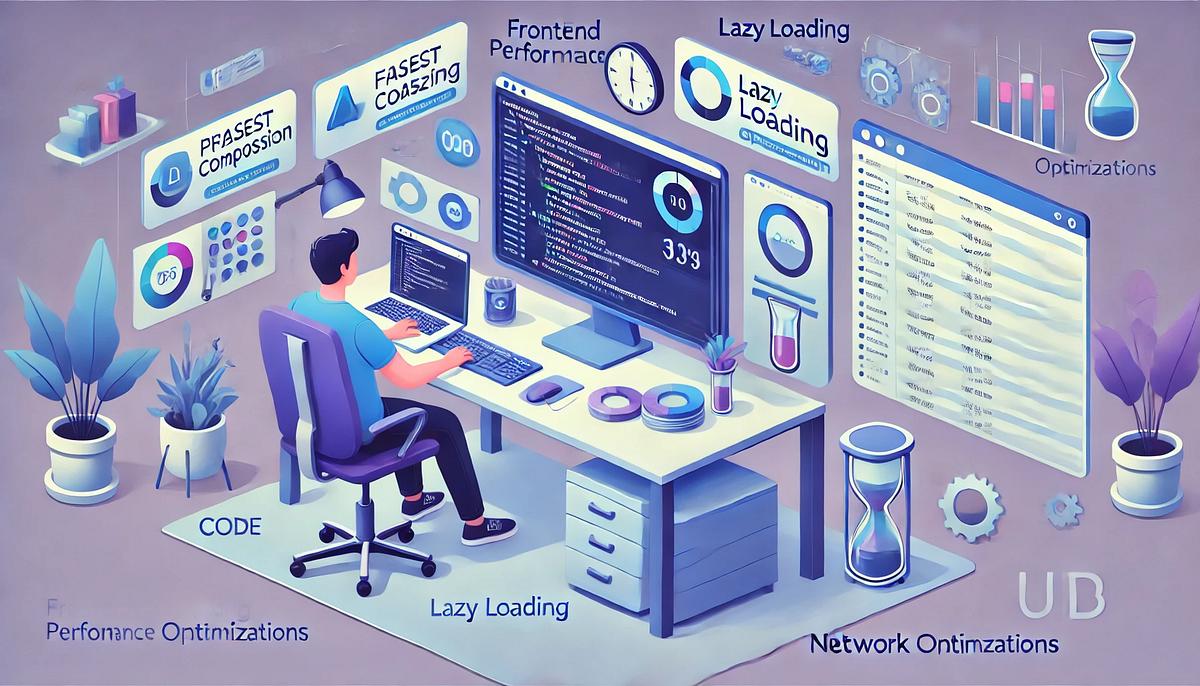
Website speed has become a critical part of modern web development. Users expect websites and web applications to load quickly, respond smoothly, and work reliably across smartphones, tablets, laptops, and desktop devices.
In 2026, Frontend Performance Optimization is no longer just about reducing page-load time. Developers also need to focus on responsiveness, rendering performance, efficient JavaScript execution, optimized assets, accessibility, and a smooth user experience.
In this guide, we explore the most important frontend performance optimization techniques for 2026 and how businesses can use them to build faster, more efficient, and scalable digital experiences.
Why Frontend Performance Matters in 2026
A slow website can negatively affect user experience, engagement, conversions, and customer perception. Even a visually attractive website can lose visitors when pages take too long to become usable.
Modern users access websites from different devices and network conditions. This makes performance optimization especially important for businesses targeting mobile users and customers in regions with varying network speeds.
Faster websites can provide a smoother browsing experience while reducing unnecessary resource consumption.
1. Optimize Core Web Vitals
Core Web Vitals are important user-experience metrics that help developers understand how a website performs in real-world browsing conditions.
Developers should pay particular attention to metrics related to loading performance, responsiveness, and visual stability.
Improving these metrics can help create websites that feel faster and more responsive to users.
How to Improve Core Web Vitals
- Optimize large images and media files.
- Reduce unnecessary JavaScript execution.
- Improve server response times.
- Prevent unexpected layout shifts.
- Prioritize important content during initial rendering.
- Reduce render-blocking resources.
2. Optimize Images and Modern Media
Images are often among the largest resources loaded by a webpage. Using unnecessarily large images can significantly increase page weight and loading time.
Developers should use appropriately sized images and modern formats when supported by the target browsers and application architecture.
Effective image optimization includes:
- Compressing images before delivery.
- Serving images at appropriate dimensions.
- Using responsive image techniques.
- Lazy-loading below-the-fold images.
- Preloading critical visual assets when appropriate.
- Avoiding unnecessary background images.
3. Use Lazy Loading Strategically
Lazy loading delays the loading of resources until they are needed. This can reduce the amount of data that must be downloaded when the page initially loads.
Images, videos, and other non-critical resources below the initial viewport can often benefit from lazy loading.
However, lazy loading should be used strategically. Critical content should not be delayed unnecessarily because this can negatively affect the initial user experience.
4. Implement Code Splitting
Modern JavaScript applications can contain a large amount of code. Loading the entire application bundle immediately may increase initial loading time.
Code splitting divides application code into smaller chunks that can be loaded when required.
For example, an e-commerce website does not necessarily need to download code for the checkout experience when a visitor is only browsing the homepage.
Frameworks such as Next.js and other modern frontend technologies provide mechanisms for dynamically loading application components and reducing unnecessary initial JavaScript.
5. Minimize JavaScript
JavaScript provides powerful interactivity, but excessive JavaScript can increase both download and execution costs.
Developers should regularly review dependencies, remove unused libraries, reduce unnecessary client-side processing, and avoid sending functionality to the browser that users do not need.
Useful techniques include:
- Removing unused JavaScript.
- Reducing third-party scripts.
- Using tree shaking.
- Splitting large bundles.
- Loading non-critical functionality on demand.
- Avoiding unnecessary client-side rendering.
6. Reduce CSS and Render-Blocking Resources
CSS is essential for displaying a website, but large or poorly structured stylesheets can delay rendering.
Developers can improve performance by removing unused CSS, minimizing stylesheets, reducing unnecessary dependencies, and prioritizing styles required for the initial viewport.
Critical resources should be identified carefully so that important content becomes visible as quickly as possible.
7. Use Browser Caching Effectively
Browser caching allows frequently used resources to be stored locally on a user's device. When the user returns to the website, the browser may not need to download those resources again.
Proper caching strategies can reduce repeated network requests and improve subsequent page loads.
Developers should configure appropriate caching policies for static assets such as images, CSS files, JavaScript bundles, and fonts while ensuring updated resources can be delivered when required.
8. Use a Content Delivery Network (CDN)
A Content Delivery Network (CDN) distributes website resources through servers located in different geographic regions.
Serving static resources from infrastructure closer to users can reduce network latency and improve content delivery.
CDNs are particularly useful for websites with geographically distributed audiences, high traffic volumes, large media files, or frequently requested static assets.
9. Optimize Fonts
Web fonts can affect both loading performance and visual rendering. Loading too many font families, weights, and styles can unnecessarily increase page size.
Frontend developers should consider:
- Using only the font weights actually required.
- Serving optimized font files.
- Using modern font formats where appropriate.
- Preloading critical fonts carefully.
- Using appropriate font-display strategies.
10. Optimize Third-Party Scripts
Analytics platforms, advertising systems, chat widgets, social media integrations, tracking tools, and other third-party services can add significant JavaScript to a website.
Businesses should regularly evaluate whether every third-party script is necessary.
Non-critical scripts can often be loaded later or only when the relevant feature is required.
11. Improve Rendering Performance
A website can technically load quickly while still feeling slow if the browser has to perform excessive rendering or JavaScript work.
Developers should minimize expensive operations, avoid unnecessary DOM updates, and carefully manage animations and interactive components.
Lightweight interfaces and efficient component rendering can help applications remain responsive even on lower-powered devices.
12. Use Server-Side Rendering and Static Generation Where Appropriate
Modern frameworks support multiple rendering strategies, including Server-Side Rendering (SSR), Static Site Generation (SSG), and client-side rendering.
Choosing the right rendering strategy for each page can improve initial content delivery, SEO, and overall user experience.
Content-heavy pages, marketing pages, documentation, and product pages may benefit from server-rendered or statically generated content, while highly interactive features may require more client-side functionality.
13. Reduce Unnecessary API Requests
Frontend performance is also affected by how applications communicate with backend services.
Excessive API requests can increase network activity and delay the availability of important content.
Developers can improve API efficiency by:
- Combining requests when appropriate.
- Caching frequently used data.
- Fetching only required fields.
- Loading data progressively.
- Avoiding duplicate requests.
- Using efficient API and data-fetching strategies.
14. Optimize for Mobile Devices
Mobile performance should be a major consideration in frontend development. Smartphones may have smaller screens, limited processing power, constrained memory, and slower or less stable network connections.
Developers should test websites on real mobile devices and different network conditions instead of relying only on high-performance desktop computers.
15. Monitor Performance Continuously
Performance optimization should not be treated as a one-time task. Websites change over time as new features, dependencies, tracking tools, images, and content are added.
Continuous monitoring helps development teams identify performance regressions before they significantly affect users.
Performance testing should be included throughout the development lifecycle rather than only before a website launch.
Frontend Performance Optimization Checklist for 2026
- ✓ Monitor Core Web Vitals.
- ✓ Compress and resize images.
- ✓ Use responsive images.
- ✓ Lazy-load non-critical media.
- ✓ Implement code splitting.
- ✓ Remove unused JavaScript and CSS.
- ✓ Optimize fonts.
- ✓ Reduce third-party scripts.
- ✓ Configure effective browser caching.
- ✓ Use a CDN where appropriate.
- ✓ Optimize API requests.
- ✓ Test on real mobile devices.
- ✓ Monitor performance continuously.
Responsive Design and Performance Go Together
Responsive design and performance optimization should be considered together. A website may adapt perfectly to different screen sizes but still provide a poor experience if it loads excessive images, JavaScript, or other resources.
Modern frontend development should therefore focus on both responsive user interfaces and efficient resource delivery.
Why Businesses Should Invest in Frontend Performance
A high-performing website can help businesses provide a better digital experience, reduce friction during navigation, and support stronger customer engagement.
Performance is particularly important for e-commerce stores, SaaS platforms, corporate websites, online marketplaces, portals, and web applications where users frequently interact with dynamic content.
Investing in frontend performance early can also reduce technical debt and make future optimization easier.
Build Faster Digital Experiences with Code-OX Technologies
At Code-OX Technologies, we understand that modern websites need to be more than visually attractive. They need to be fast, responsive, scalable, secure, and easy to use.
Our web development approach focuses on building digital solutions that align with business objectives while considering performance, user experience, SEO, maintainability, and scalability.
Whether you are launching a new website, developing a custom web application, improving an e-commerce platform, or optimizing an existing digital product, frontend performance can play an important role in the success of your online presence.
Final Thoughts
Frontend Performance Optimization in 2026 requires a complete approach rather than relying on a single technique. Image optimization, efficient JavaScript, code splitting, caching, CDN usage, optimized fonts, responsive design, efficient APIs, and continuous performance monitoring all contribute to a better web experience.
The goal is not simply to make a website load faster. The real objective is to make websites feel fast, respond quickly to user interactions, and deliver the right content at the right time.
By making performance part of the development process from the beginning, businesses can create digital experiences that are more efficient, scalable, and ready for the demands of modern users.