.svg)
Tap Payment Gateway Integration with Odoo: Simplify Online Payments and Automate Transactions
Reported By
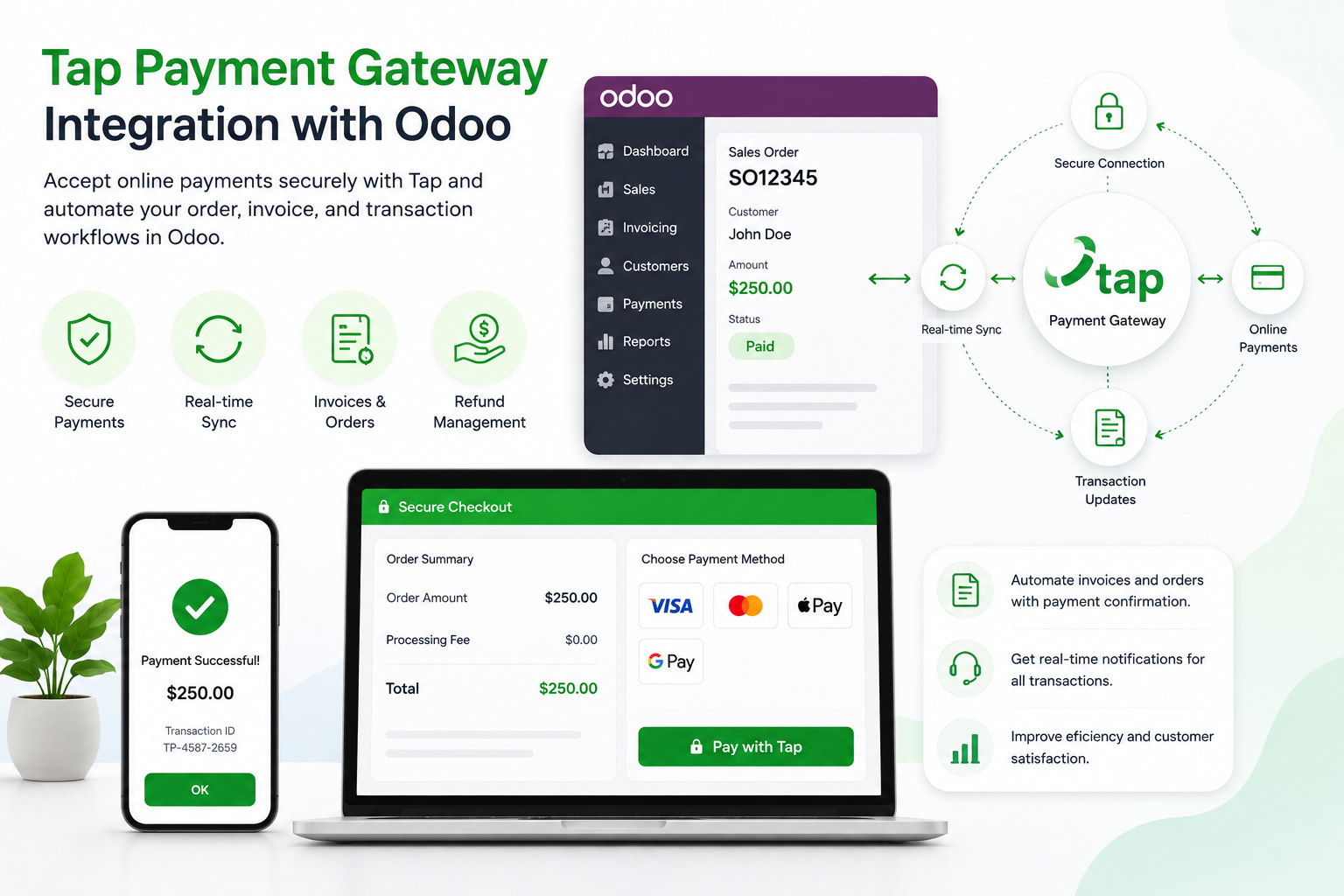
Online payments are an essential part of modern e-commerce and digital business operations. Customers expect a secure and convenient checkout experience, while businesses need reliable payment processing, accurate transaction records, and efficient financial workflows.
Tap Payment Gateway integration with Odoo connects your online payment process with your ERP environment, helping businesses manage payments, sales orders, invoices, transaction statuses, and refunds through a more connected workflow.
What Is Tap Payment Gateway Integration?
Tap is a payment technology platform that enables businesses to accept online payments through supported payment methods. When integrated with Odoo, Tap can become part of the payment workflow for your website, sales operations, invoices, and customer portal.
A properly configured integration allows payment information and transaction statuses to move between the payment gateway and Odoo, reducing manual updates and helping teams maintain more accurate financial records.
Why Integrate Tap with Odoo?
Managing online payments separately from your ERP can create unnecessary manual work. Employees may need to check payment dashboards, update orders, confirm transactions, and reconcile payment information manually.
Connecting Tap with Odoo creates a more automated payment workflow and keeps payment activity closer to your sales and accounting processes.
1. Secure Online Payments
Customers can complete payments through the configured Tap checkout experience while Odoo manages the corresponding business transaction.
This provides a smoother connection between customer checkout and your internal sales workflow.
2. Real-Time Payment Status
Payment status updates are important for order processing. A successful transaction can be reflected in the related Odoo workflow, while failed or pending transactions can be handled accordingly.
Webhook-based communication can help keep Odoo updated when payment events occur.
3. Automated Invoice and Order Workflows
When a customer completes an online payment, the payment information can be connected to the relevant sales order or invoice in Odoo.
This reduces the need for employees to manually confirm every transaction and update financial records.
4. Refund Management
A well-designed integration can also connect refund activities with Odoo. Depending on the implementation, full or partial refunds can be synchronized with the corresponding financial records.
5. Better Transaction Visibility
Connecting payment activity with Odoo gives sales and accounting teams a more centralized view of payment references, transaction statuses, orders, and invoices.
What Can Be Synchronized?
- Payment transactions
- Transaction references
- Payment status
- Sales orders
- Customer information
- Invoices
- Payment confirmations
- Refund information
- Webhook events
Benefits of Tap and Odoo Integration
- Automated payment processing: Reduce manual transaction handling.
- Faster order confirmation: Connect successful payments with sales workflows.
- Better financial visibility: Keep transaction information connected to Odoo.
- Reduced data entry: Minimize repetitive updates between systems.
- Refund synchronization: Connect refund activity with relevant financial records.
- Scalable payment workflows: Build a payment architecture that can support business growth.
How Does Tap Payment Integration with Odoo Work?
- Analyze your payment workflow: Identify the Odoo sales, e-commerce, invoicing, and accounting processes that need payment integration.
- Configure Tap credentials: Connect the required API credentials and environment settings.
- Configure payment workflows: Map transactions to the appropriate Odoo sales orders, invoices, and customers.
- Set up webhooks: Configure callback endpoints to receive payment status updates.
- Test transactions: Test successful payments, failed transactions, pending payments, and refunds.
- Go live: Move the integration to production and monitor transaction synchronization.
Why Choose CodeOx for Tap Payment Integration?
At CodeOx, we help businesses connect payment gateways with Odoo to create reliable and automated payment workflows.
Our approach covers payment configuration, API integration, transaction mapping, webhook handling, testing, deployment, and post-launch support.
Conclusion
Tap Payment Gateway integration with Odoo can help businesses create a smoother connection between online payments and ERP operations.
By automating payment status updates, connecting transactions with sales orders and invoices, and reducing manual reconciliation work, businesses can improve payment visibility and operational efficiency.
Looking to integrate Tap with Odoo? CodeOx can help you build a payment workflow tailored to your business requirements.