.svg)
Cashier Payment Gateway Integration with Odoo: Build a Smarter and More Connected Checkout
Reported By
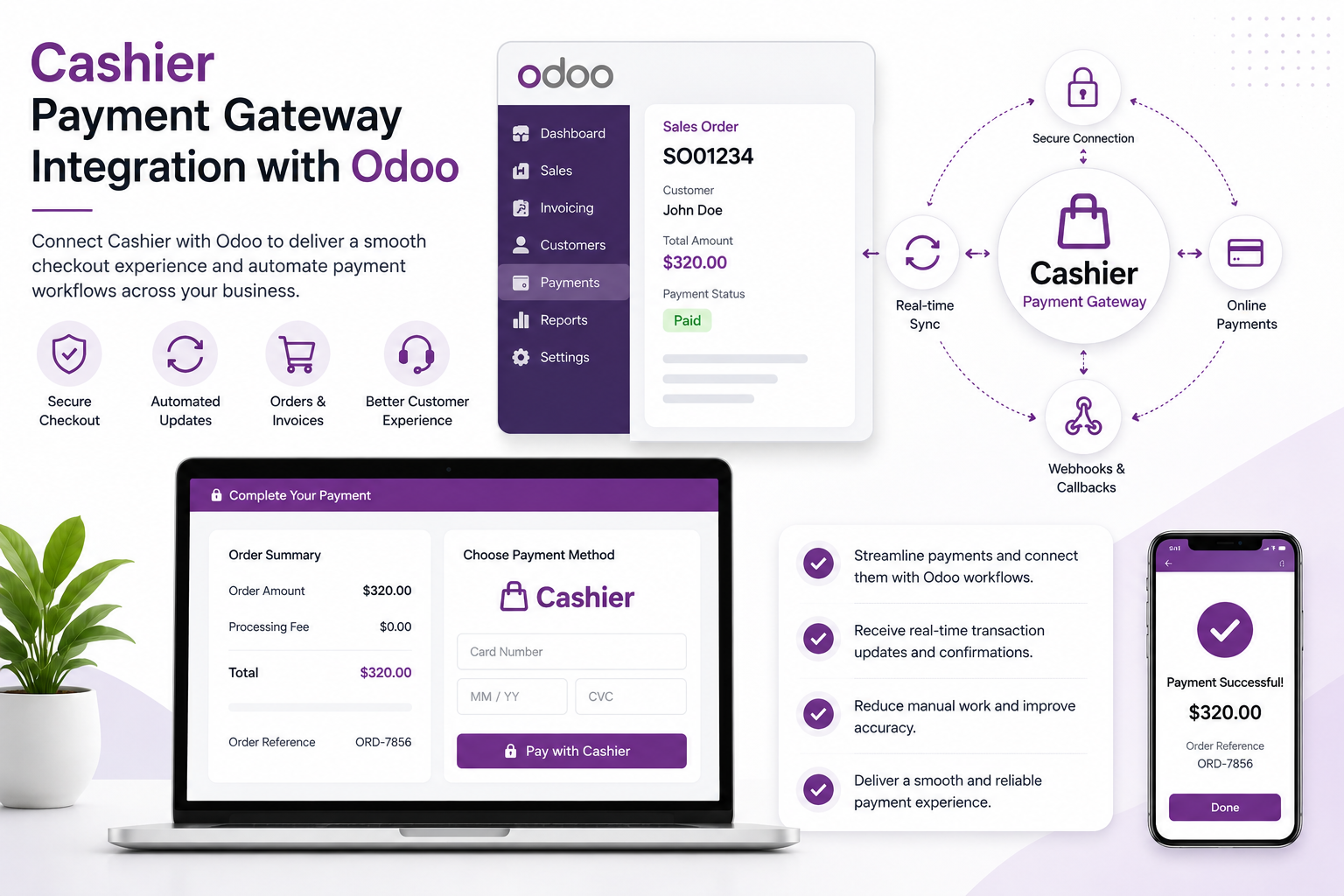
A reliable checkout experience is critical for every online business. Customers want a simple and secure way to complete payments, while businesses need accurate transaction records, payment status updates, and seamless communication between their website and ERP.
Cashier Payment Gateway integration with Odoo can connect the online checkout process with your ERP workflows, helping businesses manage payment sessions, transaction updates, customer information, and order processing through a connected architecture.
What Is Cashier Payment Gateway Integration?
A Cashier payment integration allows an application or e-commerce platform to initiate a payment session and direct customers to a secure checkout experience.
When connected with Odoo, the payment process can become part of your sales and accounting workflow. Payment requests can be initiated from the relevant business transaction, while payment responses and status notifications can be returned to Odoo.
Why Connect Cashier with Odoo?
Without integration, payment processing and ERP operations may exist as separate systems. This can result in manual order updates, payment verification, and reconciliation.
Connecting Cashier with Odoo creates a bridge between the customer checkout experience and your internal business operations.
1. Connected Checkout Experience
Customers can be directed to the configured Cashier payment experience to complete their transactions while Odoo maintains the related order or invoice workflow.
2. Automated Payment Status Updates
Payment callbacks and notifications can be used to communicate transaction status back to your application and Odoo.
This helps businesses distinguish between successful, pending, failed, or canceled transactions.
3. Reduced Manual Reconciliation
When payment information is connected to Odoo transactions, finance teams can reduce repetitive work associated with manually matching payments with orders and invoices.
4. Better Customer Experience
A properly configured checkout flow can provide customers with a clear payment journey and appropriate return or confirmation handling after the transaction.
5. Flexible Integration Architecture
Depending on the Cashier provider and business requirements, integration can be implemented through APIs, redirect-based checkout flows, callbacks, webhooks, or other supported mechanisms.
What Can Be Connected?
- Customer information
- Order references
- Payment amount and currency
- Payment sessions
- Transaction references
- Payment status
- Return URLs
- Callback or webhook events
- Invoices and sales orders
Benefits of Cashier and Odoo Integration
- Streamlined checkout: Connect customer payments with Odoo workflows.
- Automated transaction updates: Receive payment status information through supported callbacks or webhooks.
- Less manual work: Reduce repetitive payment verification and order updates.
- Better financial visibility: Connect transactions with relevant Odoo records.
- Improved customer experience: Provide a clear and consistent payment journey.
- Scalable architecture: Build a payment integration that can evolve with your business.
How Does Cashier Integration with Odoo Work?
- Analyze the payment workflow: Understand how customers currently place orders and make payments.
- Configure merchant credentials: Set up the required Cashier account and integration credentials.
- Create payment sessions: Send the required transaction information from Odoo or the connected application.
- Redirect the customer: Direct the customer to the configured Cashier checkout experience.
- Receive payment notifications: Process callback or webhook information from the payment provider.
- Update Odoo: Synchronize the final payment status with the appropriate sales order, invoice, or transaction.
- Test and deploy: Validate different payment scenarios before moving to production.
Important Considerations for Payment Gateway Integration
Every payment provider has its own API, authentication, supported payment methods, currencies, callback mechanisms, and compliance requirements.
For this reason, payment integrations should be designed around the exact Cashier provider being used by the business. Credentials should never be exposed in frontend code, and payment callbacks should be validated before updating financial records.
Why Choose CodeOx?
At CodeOx, we design payment gateway integrations around your existing Odoo workflows.
Our team can help with API integration, payment-session configuration, transaction mapping, callbacks and webhooks, testing, error handling, and production deployment.
Conclusion
Cashier Payment Gateway integration with Odoo can help businesses connect online checkout with sales, invoicing, and financial operations.
By automating payment communication and reducing manual transaction handling, businesses can create a more efficient payment process and a better customer experience.
Need to connect your Cashier payment gateway with Odoo? CodeOx can help you design and implement a secure integration based on your provider and business workflow.