.svg)
Design Systems: Why Every Growing Product Needs One in 2026
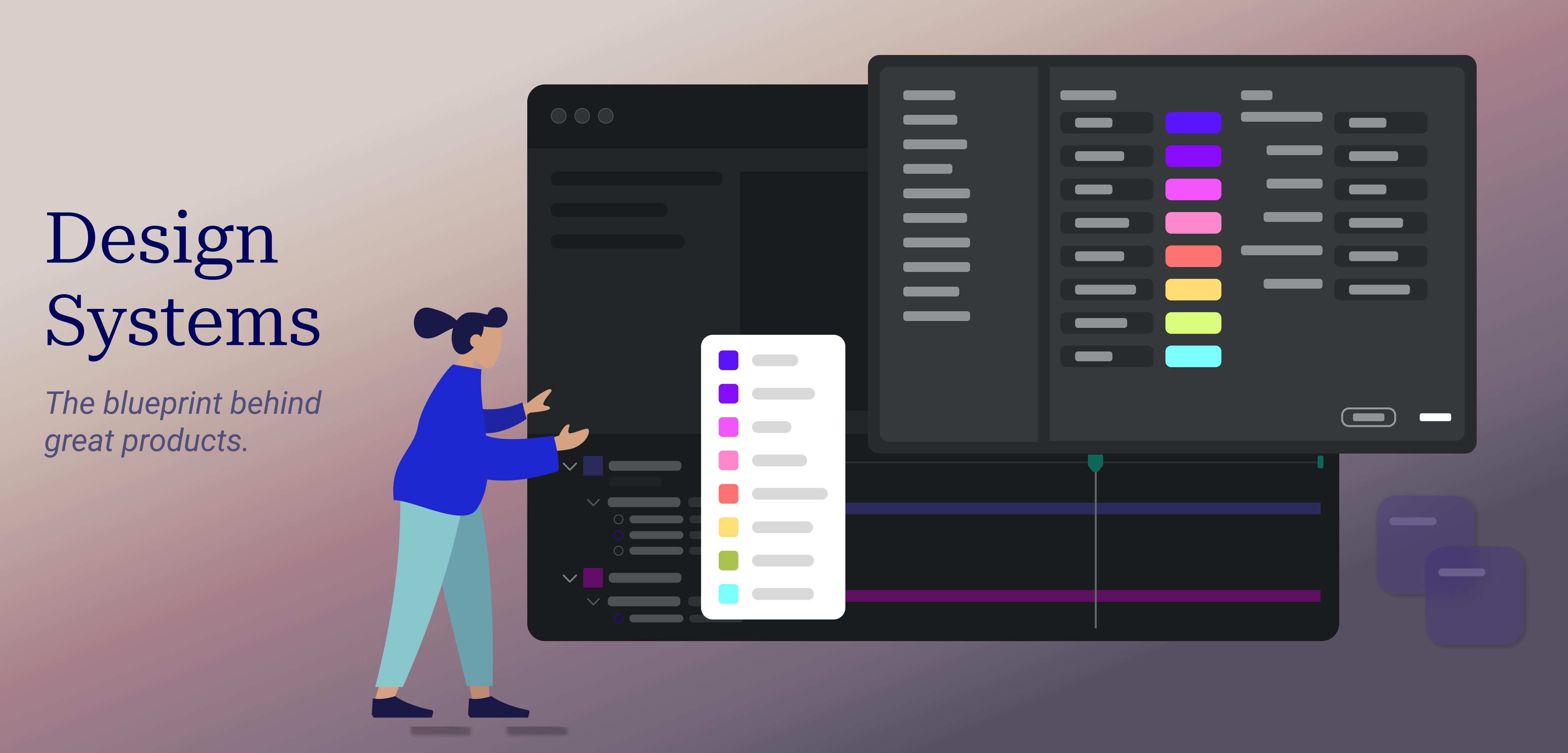
As a digital product grows, maintaining a consistent, scalable, and user-friendly experience becomes increasingly difficult. New features, pages, developers, designers, and business requirements are continuously added to the product. Without a structured approach to design and development, even a successful product can gradually become inconsistent and difficult to maintain.
This is where a design system becomes valuable. A design system provides a centralized collection of reusable UI components, design patterns, visual guidelines, accessibility standards, and development principles that help teams create consistent digital experiences.
For startups, SaaS platforms, e-commerce websites, enterprise applications, and growing digital businesses, a well-designed system can improve development efficiency, maintain brand consistency, simplify collaboration, and make products easier to scale.
What Is a Design System?
A design system is more than a collection of buttons, colors, and fonts. It is a structured framework that brings together design principles, reusable components, interaction patterns, content guidelines, accessibility rules, and development standards.
For example, instead of creating a new button design every time a developer or designer builds a new page, the team can use a standardized button component from the design system. The same principle can be applied to forms, cards, navigation menus, modals, tables, alerts, typography, spacing, and other interface elements.
This creates a shared source of truth for designers and developers and helps ensure that different parts of a product follow the same visual and functional language.
Why Growing Products Need Design Systems
A small product may initially be easy to manage without a formal design system. A designer can create individual screens and a developer can implement them quickly. However, as the product grows, this approach becomes increasingly difficult to manage.
Imagine a SaaS application that starts with five screens and eventually grows to more than 100 screens. If each screen is designed independently, the application may end up with different button styles, inconsistent spacing, multiple versions of form fields, different typography sizes, and inconsistent user interactions.
These small differences may not seem important individually, but together they can make the product feel unprofessional and confusing.
A design system helps prevent this problem by establishing reusable standards before inconsistencies become difficult and expensive to fix.
1. Consistent User Experience
Consistency is one of the biggest benefits of a design system. Users should not have to learn how different parts of the same application work.
When buttons, navigation, forms, icons, notifications, and other components behave consistently, users can understand and navigate the product more easily.
A consistent interface also strengthens brand identity and creates a more professional experience across websites, web applications, mobile applications, and other digital platforms.
2. Faster Software Development
Building every interface component from scratch takes time. Developers may repeatedly create similar buttons, dropdowns, cards, forms, and modal windows for different parts of an application.
With a reusable design system, developers can use existing components instead of rebuilding the same functionality repeatedly.
This allows development teams to spend more time working on important product features and business logic instead of repeatedly solving the same UI problems.
3. Better Collaboration Between Designers and Developers
Communication problems between design and development teams can slow down software projects. Designers may use one set of specifications while developers implement another version.
A shared design system creates a common language between both teams. Designers can work with standardized components while developers can implement the same components using reusable code.
This reduces misunderstandings, improves handoffs, and makes the overall product development process more efficient.
4. Easier Product Scaling
Product growth often means adding new features, teams, markets, and platforms. Without a scalable design foundation, maintaining consistency becomes increasingly difficult.
A design system allows teams to reuse established patterns while introducing new functionality. New developers can also understand the product more quickly because common interface patterns and rules are already documented.
This is especially useful for large SaaS applications, enterprise software, marketplaces, and products with multiple development teams.
5. Reduced Design and Development Costs
Inconsistent interfaces often create additional development and maintenance costs. Teams may need to redesign components, fix duplicated code, update multiple versions of the same interface element, or resolve usability problems.
Reusable components reduce this duplication. Once a component has been properly designed, developed, tested, and documented, it can be reused across multiple parts of the application.
Over time, this can significantly reduce repetitive design and development work.
6. Improved Accessibility
Accessibility should be considered throughout the product development process rather than added as an afterthought.
A design system can include accessibility standards for common components such as buttons, forms, navigation, dialogs, color contrast, keyboard interaction, and focus states.
When accessible components are reused throughout a product, teams can create a more inclusive experience while reducing the risk of implementing accessibility requirements differently across individual screens.
7. Easier Maintenance and Updates
Imagine that a company changes its brand colors or updates its button design. Without a centralized system, designers and developers may need to manually update many different screens.
With reusable components and centralized design tokens, updates can be managed more systematically.
This makes long-term maintenance easier and helps products adapt to new branding, technology, accessibility requirements, and business needs.
What Should a Modern Design System Include?
The exact structure of a design system depends on the product and organization, but a modern system commonly includes several important areas.
- Design tokens: Colors, typography, spacing, borders, shadows, and other foundational values.
- UI components: Buttons, inputs, cards, tables, modals, menus, tabs, and other reusable elements.
- Layout guidelines: Grid systems, spacing rules, containers, and responsive behavior.
- Typography: Font families, sizes, weights, line heights, and hierarchy.
- Color system: Brand colors, semantic colors, backgrounds, borders, and states.
- Interaction patterns: Loading states, error states, hover states, animations, and transitions.
- Accessibility guidelines: Keyboard navigation, focus states, contrast, labels, and accessible interactions.
- Documentation: Clear instructions explaining when and how each component should be used.
Design System vs UI Kit
A UI kit and a design system are related, but they are not exactly the same.
A UI kit generally focuses on visual interface elements such as buttons, cards, forms, icons, colors, and typography. A design system is broader. It combines visual design, reusable components, development standards, accessibility guidelines, documentation, interaction patterns, and product principles.
In other words, a UI kit can be part of a design system, but a complete design system goes beyond the visual layer.
When Should a Business Build a Design System?
There is no single number of users, developers, or screens that determines when a business needs a design system. The right time depends on the complexity and growth of the product.
A design system may be worth considering when multiple designers or developers are working on the same product, when similar components are repeatedly being created, when different parts of the application look inconsistent, or when the product is expanding rapidly.
It can also be valuable when a company is developing multiple digital products that need to share the same brand identity and user experience.
How to Build a Design System
Building a design system should be treated as an ongoing product initiative rather than a one-time design task.
- Audit the existing product: Identify repeated components, inconsistencies, design patterns, and usability issues.
- Define design foundations: Establish typography, colors, spacing, grids, icons, and other foundational standards.
- Create reusable components: Build commonly used interface components that can be shared across the product.
- Document the system: Explain how components should be used and which situations they are designed for.
- Connect design and code: Ensure that design components and frontend components follow the same standards.
- Test and improve: Continuously evaluate the system as new product requirements emerge.
Common Design System Mistakes
Although design systems offer significant advantages, they can also become difficult to manage when implemented without a clear strategy.
- Creating too many unnecessary components
- Failing to document component usage
- Building components without considering accessibility
- Not involving developers during the design process
- Creating rigid components that cannot support real product requirements
- Failing to maintain and update the system
- Building a design system that is disconnected from the actual product
Why Design Systems Matter for Modern Software Development
Modern software products are continuously evolving. Businesses need to release new features faster, support multiple platforms, maintain strong branding, and deliver excellent user experiences.
A design system provides the foundation needed to achieve these goals at scale. It connects design and development while reducing duplication and creating a consistent experience for users.
For a growing business, investing in a design system is not simply an investment in visual design. It is an investment in the long-term scalability, maintainability, and quality of the product.
Conclusion
A growing digital product eventually reaches a point where designing every feature independently is no longer efficient. Inconsistent interfaces, duplicated components, slower development, and communication problems can become significant challenges.
A well-planned design system addresses these challenges by providing reusable components, clear standards, shared documentation, and a consistent design language.
Whether you are building a SaaS platform, e-commerce website, mobile application, or enterprise software, establishing a scalable design system can help your team build faster, maintain consistency, and deliver a better user experience as your product grows.
At Code-OX Technologies, modern software development goes beyond writing code. Creating scalable digital products requires thoughtful architecture, consistent user experiences, and development practices designed for long-term growth.