.svg)
Amazon S3 vs Cloudinary: A Complete Comparison
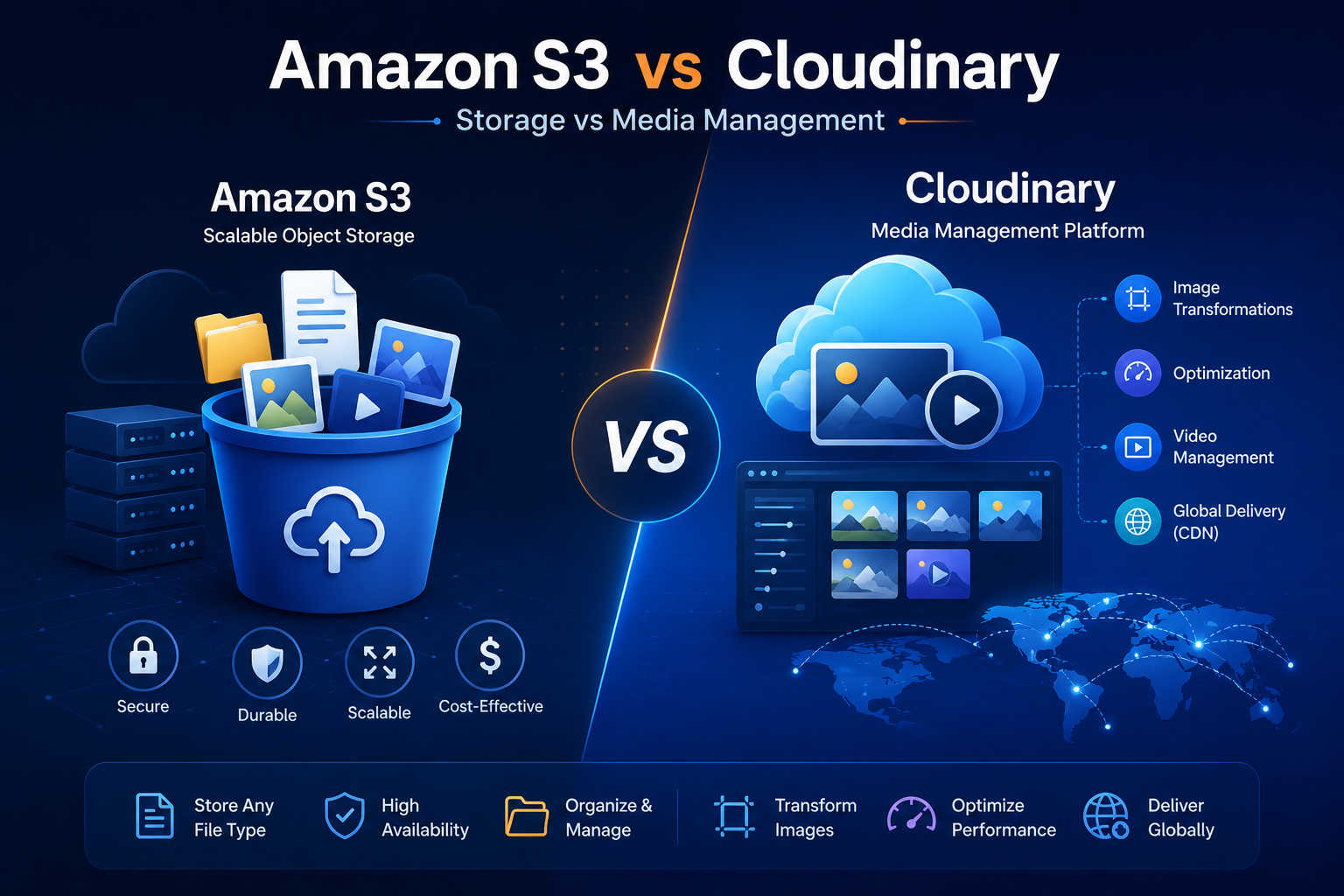
Amazon S3 vs Cloudinary: The Complete Comparison
Amazon S3 and Cloudinary show up side by side in almost every "where should I store my images/videos" discussion, but they're not really competitors in the traditional sense. S3 is raw, durable object storage. Cloudinary is a full media pipeline — upload, transform, optimize, and deliver — that in many setups runs on top of S3 rather than instead of it. This guide breaks down where each one wins, where they overlap, and how teams typically combine them.
01. What Each Product Actually Is
Before comparing features, it helps to place these two products correctly on the map. They're often marketed against each other, but they occupy different layers of the stack.
A general-purpose object storage service. It stores any file type — images, videos, backups, logs, static websites, data lake files — durably and cheaply, at near-unlimited scale. It has no opinion about what's inside the file.
A media management platform specializing in images and video. It handles upload, on-the-fly transformation (resize, crop, format conversion), optimization, and delivery via its own CDN. Cloudinary needs somewhere to persist the originals — often its own storage, sometimes an S3 bucket you own.
It's rarely "S3 or Cloudinary" — it's "do I need media-specific processing on top of storage, or just storage?" Most production apps that use Cloudinary still have an S3 bucket somewhere for non-media files or backups.
02. Where Each One Sits in Your Stack
03. Core Feature Comparison
| Capability | Amazon S3 | Cloudinary |
|---|---|---|
| Primary purpose | Generic object storage | Media upload, transform & delivery |
| File type awareness | None — stores any bytes | Deep — images, video, PDFs, raw files |
| On-the-fly image resizing | No (native) | Yes, via URL params |
| Automatic format conversion (WebP/AVIF) | No | Yes (f_auto) |
| Video transcoding | No (needs MediaConvert) | Built in |
| AI-based cropping / tagging | No (needs Rekognition) | Built in |
| Built-in CDN | Via CloudFront (separate) | Included |
| Storage durability | 99.999999999% | Backed by cloud storage under the hood |
| Non-media file storage (backups, logs, data) | Excellent | Not designed for this |
| Static website hosting | Yes | No |
04. Image & Video Transformations
This is Cloudinary's core differentiator. Instead of pre-generating every image size you might need, you describe the transformation in the URL and Cloudinary generates and caches it on first request.
// Cloudinary: resize, crop to face, convert format, optimize quality — all in the URL
https://res.cloudinary.com/demo/image/upload/
  w_400,h_400,c_fill,g_face,f_auto,q_auto/
  sample_product.jpg

// S3: you get exactly the bytes you uploaded, nothing more
https://your-bucket.s3.amazonaws.com/sample_product.jpgTeams that stay on S3-only typically build a Lambda function triggered on upload (using Sharp or ImageMagick) to pre-generate a fixed set of sizes, or use CloudFront + Lambda@Edge to transform on request. Both approaches work but require you to build and maintain the pipeline — Cloudinary ships it as a product.
Where Cloudinary Pulls Ahead
- Responsive images: generate every breakpoint size from a single upload
- Format negotiation: serves AVIF/WebP to browsers that support it, JPEG as fallback, automatically
- AI cropping: face/object-aware cropping so thumbnails don't cut off subjects
- Video: adaptive bitrate streaming, thumbnail extraction, format transcoding without a separate service
- Overlays & effects: watermarks, text overlays, background removal via URL parameters
05. Pricing Models
The pricing philosophies are fundamentally different, which is often the deciding factor at scale.
| Dimension | Amazon S3 | Cloudinary |
|---|---|---|
| Billed on | Storage (GB/month), requests, data transfer out | Storage, transformations, bandwidth, credits |
| Free tier | 5 GB (12 months, AWS Free Tier) | ~25 monthly credits on the free plan |
| Cost driver at scale | Storage volume + egress bandwidth | Number of unique transformations + bandwidth |
| Predictability | Very predictable, linear | Can spike if transformation variety is high |
| Typical cost for pure storage | Lower — no markup for processing | Higher — includes processing/delivery value |
Cloudinary bills "transformations" per unique combination of parameters requested. If your app generates arbitrary crop dimensions per user (instead of a fixed set of breakpoints), you can rack up far more billable transformations than expected. Standardize on a small set of named transformation presets to keep costs predictable.
06. Head-to-Head Scorecard
07. Integration & Developer Experience
Uploading a file
S3: use the AWS SDK's PutObject call or a presigned URL from your backend. Cloudinary: call the Upload API directly from the client with an unsigned upload preset, or use their SDK server-side — no need to manage bucket permissions for basic use cases.
Serving the file
S3: the object URL, ideally fronted by CloudFront for caching and HTTPS. Cloudinary: a generated delivery URL that already includes CDN caching and can encode transformations directly.
Access control
S3: bucket policies, IAM roles, and presigned URLs for private content — powerful but requires understanding AWS IAM. Cloudinary: signed URLs and access control lists at the asset level, generally simpler to reason about for media-only use cases.
SDKs and ecosystem
S3: deeply integrated with the rest of AWS — Lambda, CloudFront, Rekognition, Athena, and every major backend language. Cloudinary: SDKs for major frameworks (React, Next.js, Node, Python, PHP, Android, iOS) with widgets purpose-built for upload UIs and responsive image components.
08. Using Them Together
A common and often overlooked pattern: keep S3 as your durable source of truth, and point Cloudinary at that bucket as its storage backend. This is supported via Cloudinary's "auto-upload" and remote-fetch mapping features.
If you're already deep in the AWS ecosystem (compliance requirements, existing backup/lifecycle policies on S3) but still want on-the-fly image/video transforms without building that pipeline yourself, fetching from your own S3 bucket via Cloudinary gives you both — at the cost of paying for two services instead of one.
09. When to Choose Which
You're storing backups, logs, data lake files, documents, or static site assets that don't need transformation. You need the lowest possible storage cost at very large scale. You're already deep in AWS and want tight IAM-based access control. You're comfortable building your own resizing pipeline if you ever need one.
Your product is image- or video-heavy (e-commerce, social, marketplaces) and responsive, optimized delivery matters. You want to ship fast without building a transformation pipeline. You need AI features (auto-crop, background removal, moderation) out of the box. Your team doesn't want to own CDN and format-negotiation logic.
10. Final Verdict
There isn't a universal winner because the two products aren't fully substitutable. S3 is close to unbeatable as a durable, cheap, general-purpose storage layer — it's the backbone many other services (including Cloudinary itself, for some customers) are built on. Cloudinary wins decisively the moment your product needs to look good across screen sizes, formats, and connection speeds without your team hand-building that logic.
For a small app with a handful of static images, S3 plus CloudFront is often enough and meaningfully cheaper. For a media-heavy product where images and video are core to the experience, the engineering time saved by Cloudinary's transformation pipeline usually justifies its higher per-GB cost. Many mature products end up running both, each doing the job it's actually good at.